
This article covers how to enter lab data against a harvest
Prerequisites:
Must have active harvests in Trym
Must have lab data for said harvests
Instructions:
Go to your Harvest Tab in Trym Explore
Click on the harvest you want to add lab report against
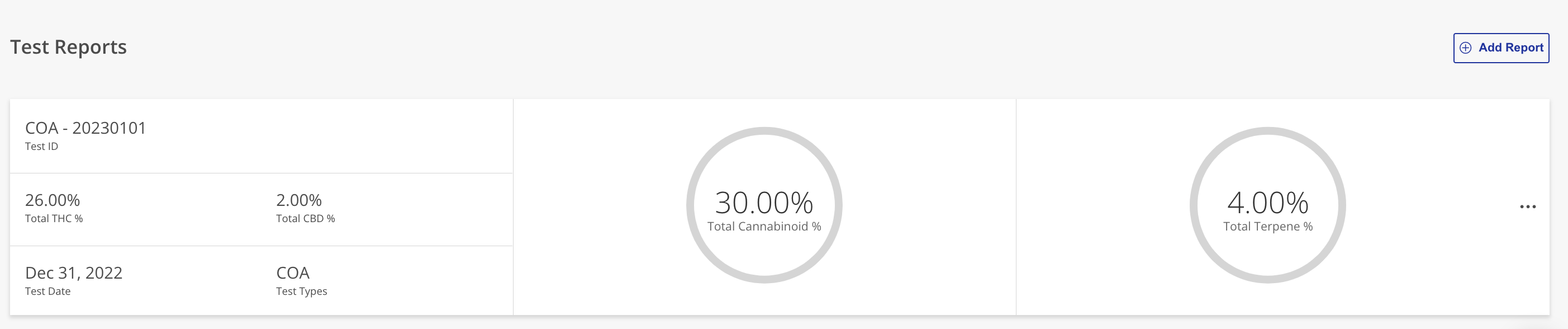
In the Harvest Dashboard select the Test Reports tab
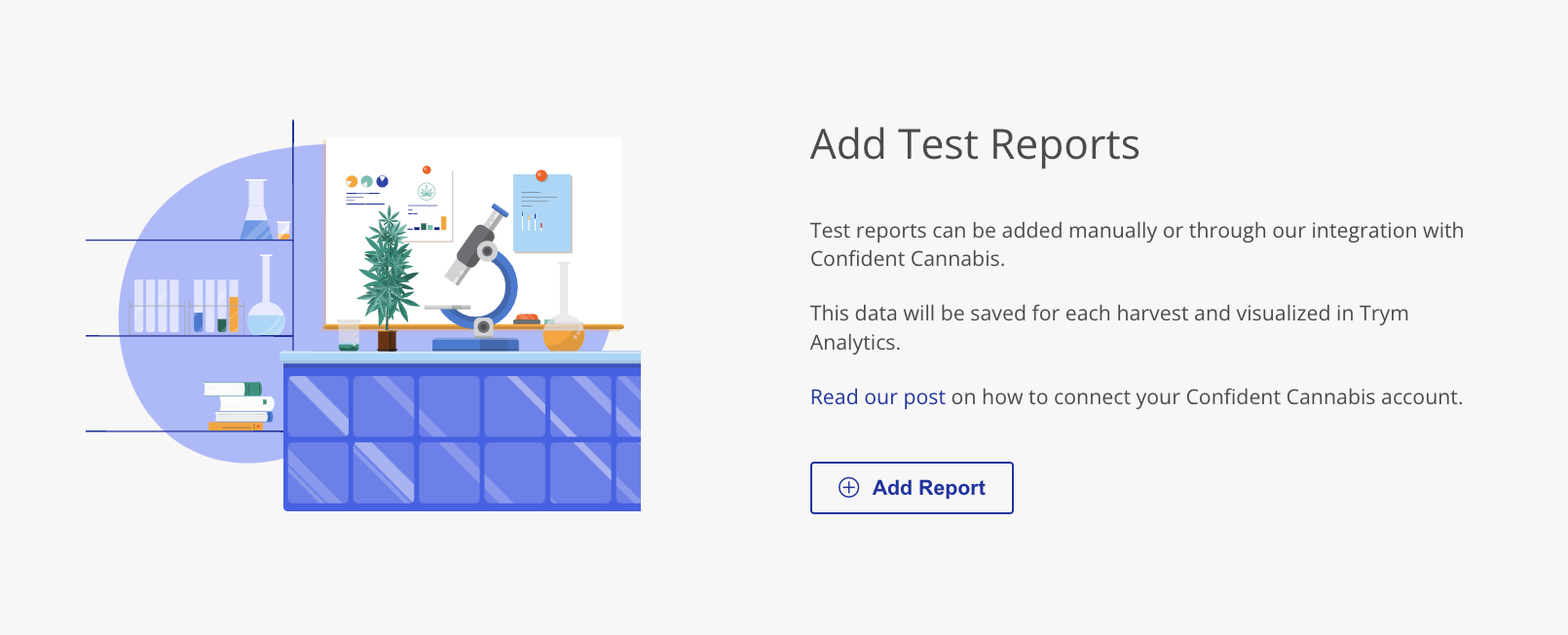
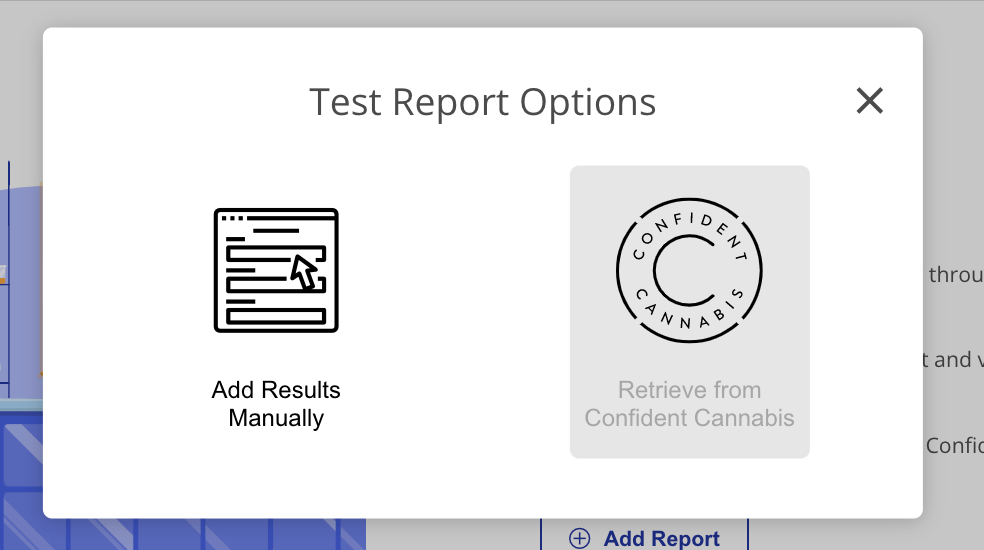
Select the Add Report button
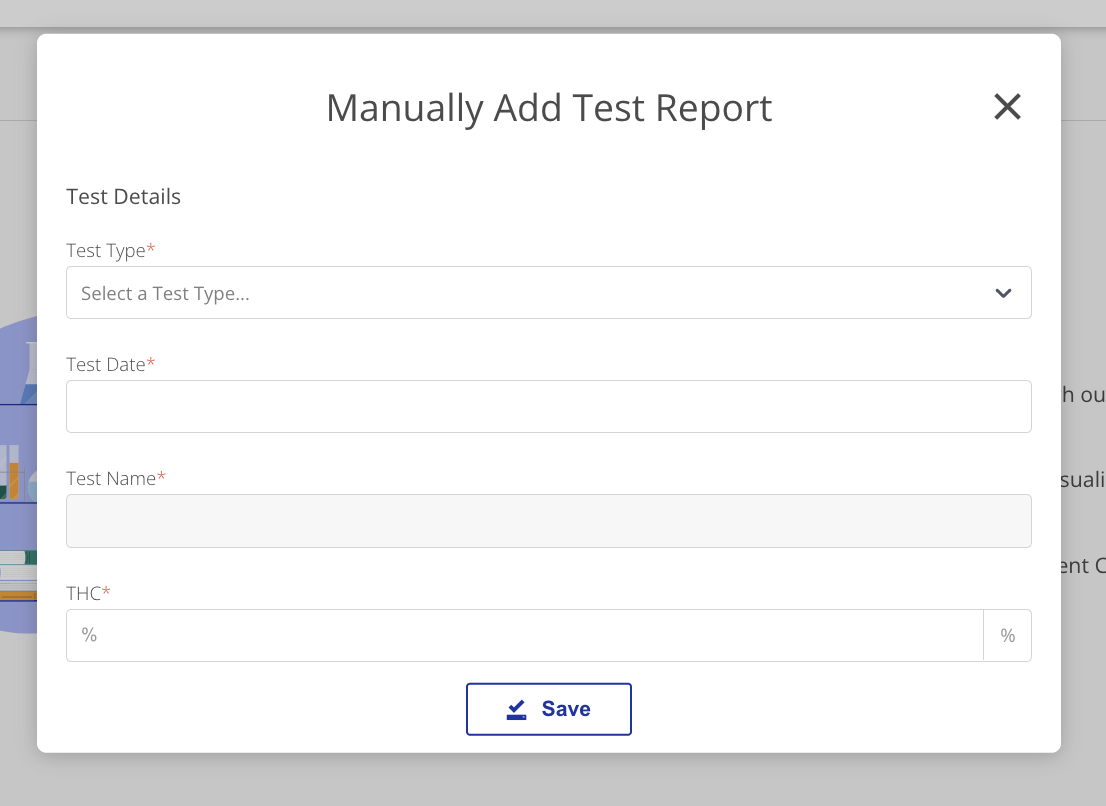
Enter data into the Required Fields
Comments
0 comments
Article is closed for comments.